
How to Hack Color Switch
New to this? Start with our general guide to hacking Android games.
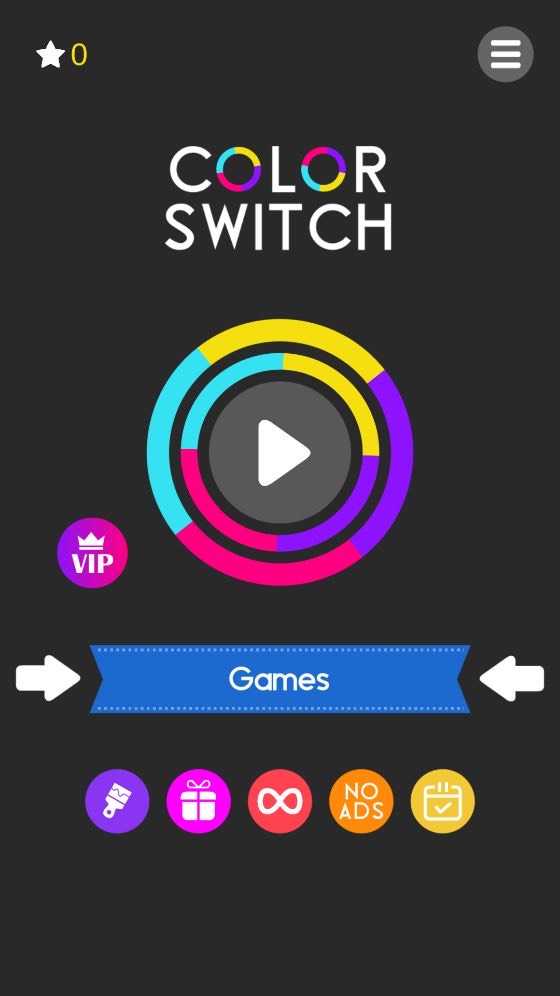
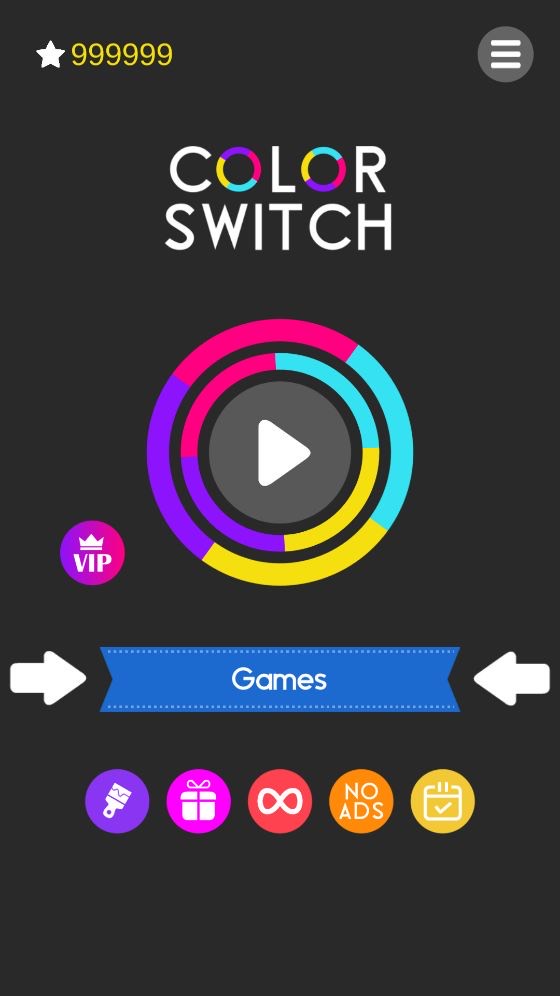
Color Switch has more than 50 million downloads on Google Play, and stars are what it sells and what unlocks its balls and modes. They aren’t in the preferences: the game saves them to inv2.dat, a small .NET binary file next to its other saves. CheatDroid’s hex editor reads that format and lists the values by name, so there’s no hex to do. A new game starts at 0; mine had 999,999 after one edit.
In CheatDroid tap Color Switch, tap the search icon, type
inv2and openinv2.. If the game is running, tap Force stop. CheatDroid says the file isn’t text: tap Hex editor.dat 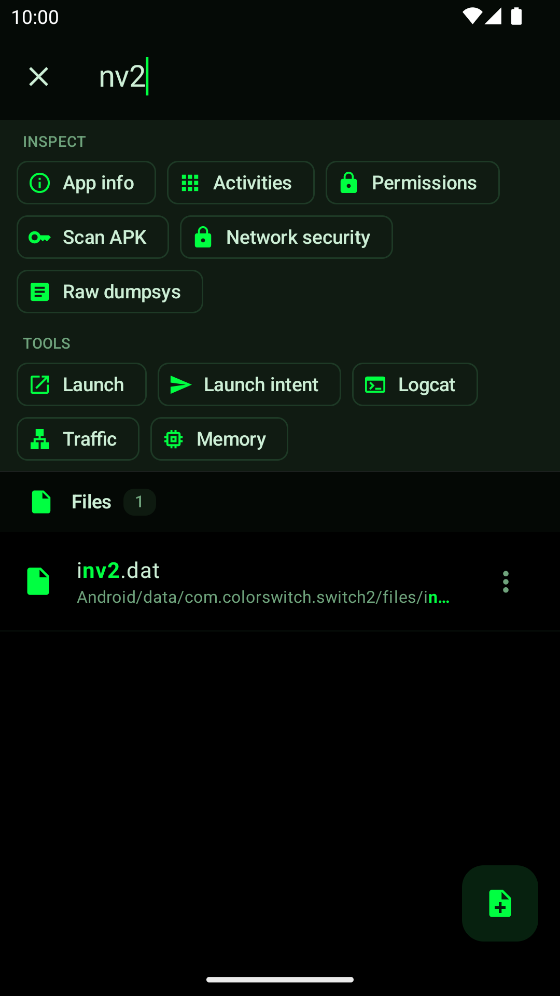
inv2.dat in CheatDroid The strip on top says .NET BinaryFormatter, 10 fields. Tap Edit as fields.
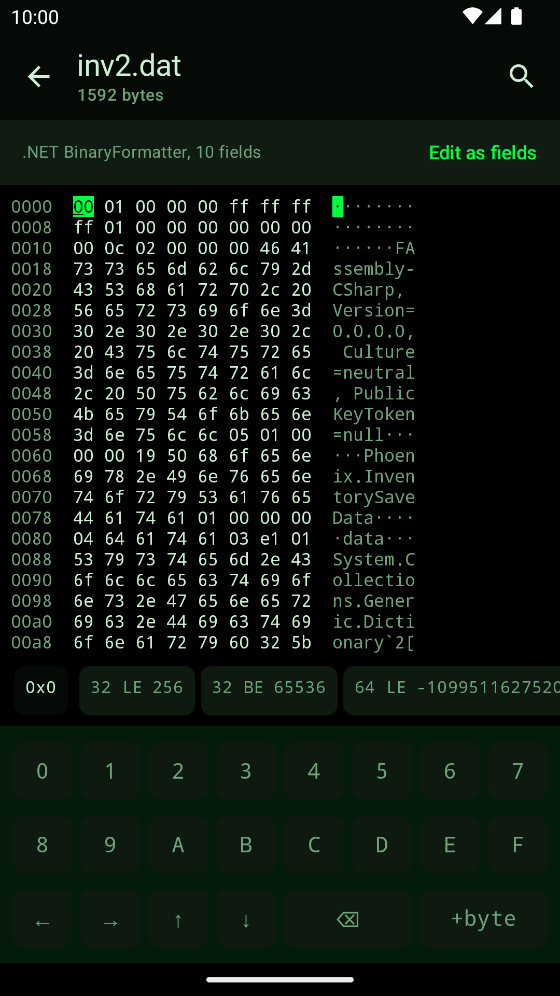
The hex editor recognises the format Type
starsinto the filter. Type 999999 intovalueand tap Save.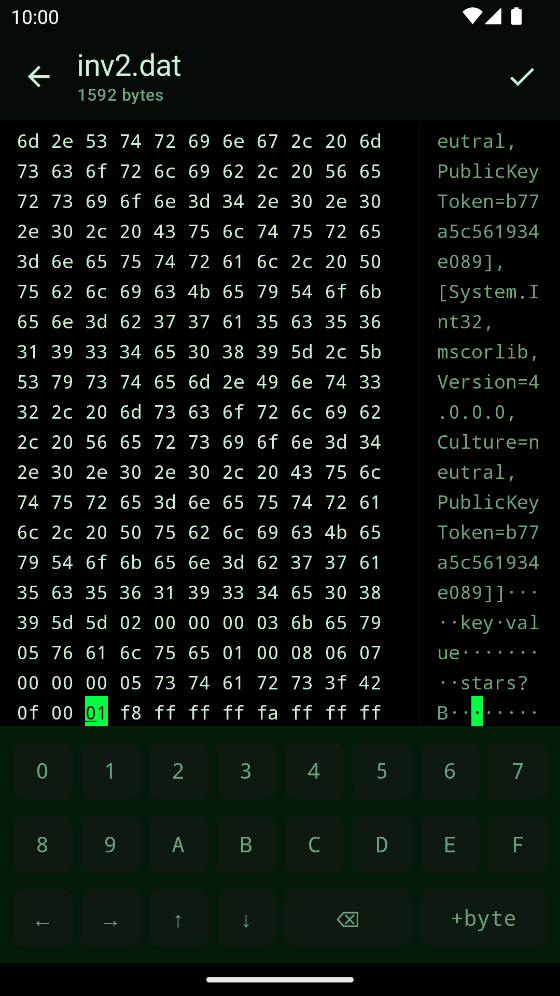
stars set to 999999
What else I found
- It sticks: a restart in airplane mode kept 999999.
coinsandgemsare in the same list, stored the same way.- The file only appears once you’ve tapped play. Before that there’s nothing to open.
- Needs CheatDroid 4.2.1 or newer. Saving in the hex editor needs Pro.
- Tested on version 2.85.
Made a game that saves like this? Here’s how to make an edited save fail its check.