
How to Find a Radio Stream URL in myTuner
New to this? Start with our general guide to hacking Android games.
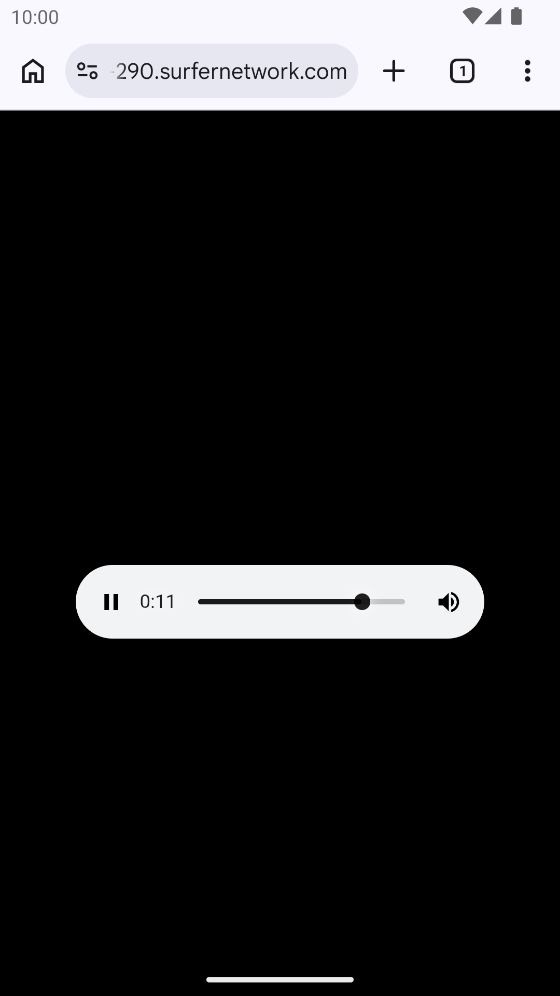
myTuner Radio is Appgeneration’s radio app, past 10 million downloads on Google Play. Behind every station there is an ordinary web address, and the app doesn’t show it to you. Network capture does. I took the address of its Classic Rock Station and played it in Chrome: audio/aac, 44.1 kHz stereo, no app involved. The same address goes into VLC, a car stereo with web radio, or anything else that plays a URL.
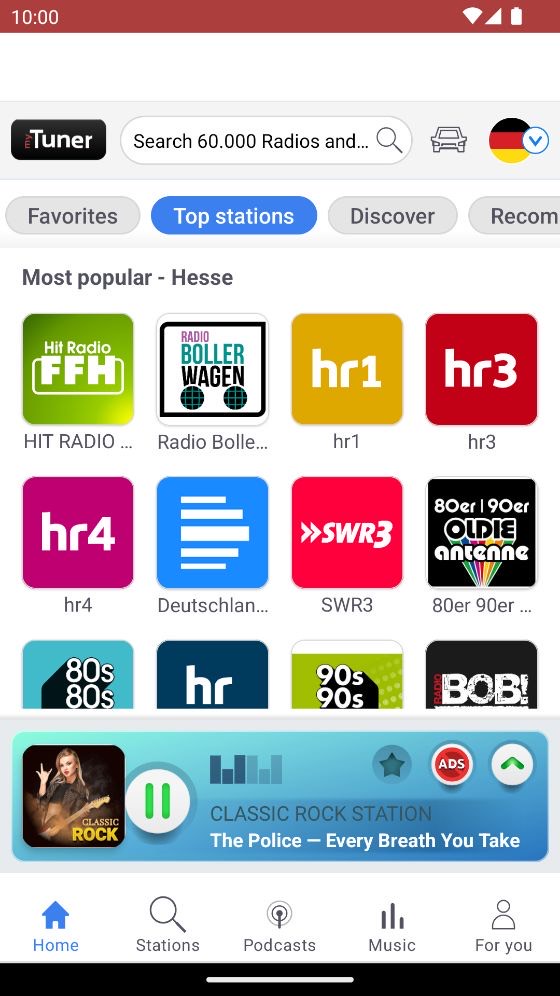
Go back to CheatDroid and tap the search icon. Type
stream, orlisten,.ormp3 .if nothing comes up: every station has its own host, and those are the usual words in the address.aac 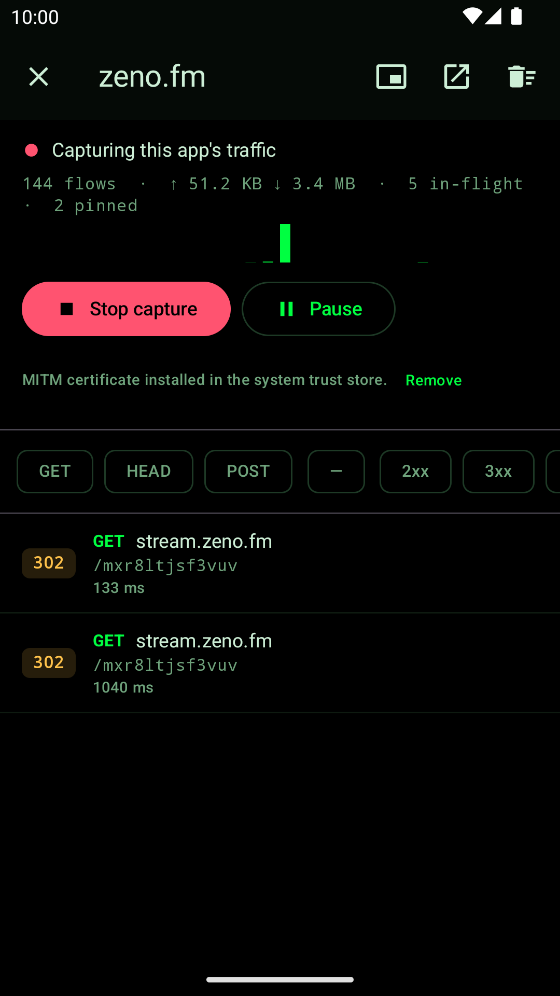
The station’s stream among the app’s traffic Open the row and tap the left of the three icons at the top, Copy URL.
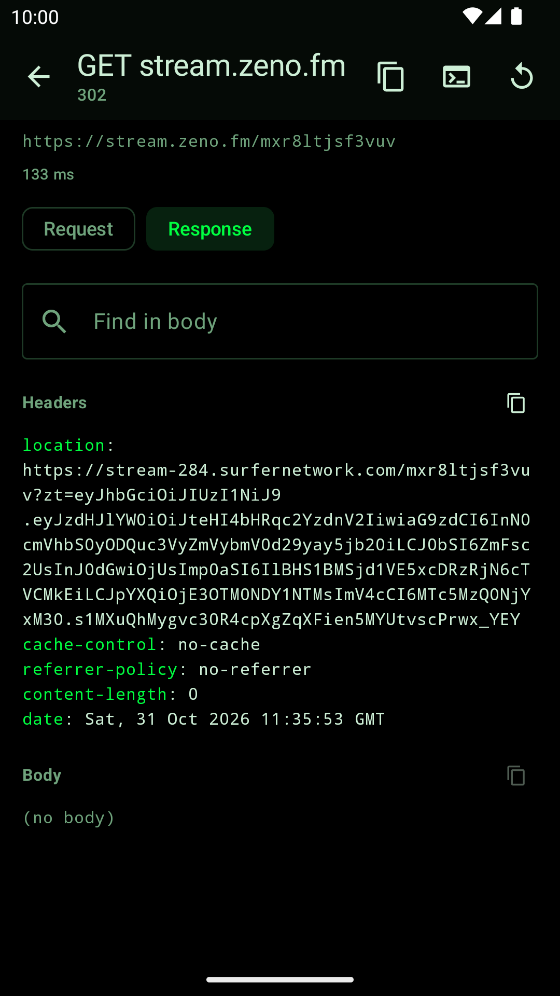
The address, and the icon that copies it
What else I found
- Copy the address you tapped, not the one under
location. That one carries a token good for 60 seconds, and the first address hands out a new one each time. - A row can read 302 or ERR, and its address still works. ERR only means capture stopped while the stream ran.
- Capture and Copy URL are free.
- Tested on myTuner 10.0.5.
Made an app that talks to a server? Here’s what a capture can read, and what to do about it.